

Top Mobile Apps That Simplify Preparing Your Flight Itinerary for Visa Application
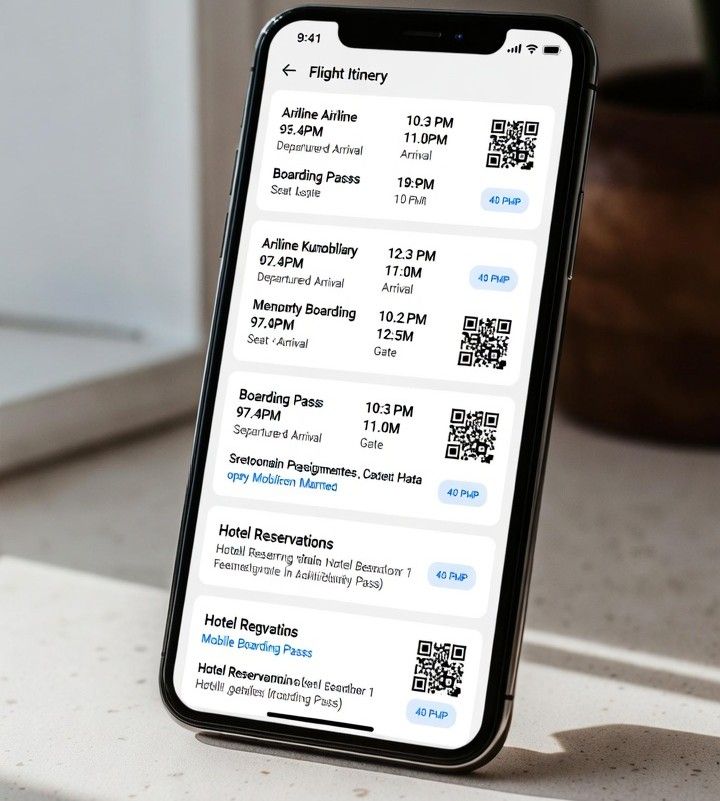
More than half of visa rejections worldwide are linked to incomplete or inconsistent travel documents, according to migration consultants who track application outcomes across regions. That reality has pushed travelers to look for tools that reduce mistakes and keep paperwork organized. Mobile apps have quietly become essential helpers in visa preparation, turning a stressful process into a guided checklist that fits in your pocket.
For applicants who must show proof of future travel, apps now work hand in hand with services that generate temporary confirmations, such as an onward travel ticket. Instead of printing scattered emails or screenshots, travelers can store digital reservations, upload supporting files, and receive reminders before embassy deadlines. This mix of automation and oversight helps applicants stay calm and consistent.
Why Mobile Apps Matter for Visa Preparation
Visa applications demand precision. Dates must align, names must match passports, and supporting documents must be easy to verify. Many of the same principles that define the qualities of a good application apply here, clarity, consistency, and reliability.
Mobile apps help by centralizing information. They reduce human error and give travelers confidence that nothing is missing.
Another advantage is speed. When an embassy asks for additional documents, an app makes it possible to retrieve and resend files within minutes. This responsiveness can make a real difference in tight processing windows.
Top Mobile Apps Travelers Rely On
TripIt
TripIt automatically organizes flight, hotel, and transport details by scanning confirmation emails. For visa purposes, it creates a clean timeline that shows intended travel dates at a glance. Travelers can export or screenshot itineraries that match embassy requirements.
Google Travel
Google Travel connects bookings from Gmail and displays them in a simple dashboard. Its strength lies in reliability and cross-device access. When paired with temporary bookings from services like Oroba, it helps applicants present a clear travel plan without overbooking.
App in the Air
Frequent flyers favor App in the Air for its real-time flight tracking and alerts. For visa preparation, the value is in push notifications and status updates. These features help travelers confirm that their planned routes are realistic and current.
Dropbox
Dropbox is not a travel app, but it plays a key role in visa documentation. Users scan passports, upload itineraries, and store approval letters in folders that sync across devices. Embassies often accept digital copies, making secure cloud storage a practical choice.
Notion
Notion acts as a customizable command center. Travelers build visa checklists, embed files, and add deadline reminders. It suits applicants juggling multiple visas or long-term travel plans that require careful tracking.
Must-Have Features in Travel and Visa Apps
- Document upload with clear file naming
- Push notifications for embassy deadlines
- Offline access to saved files
- Easy export to PDF or image format
- Secure cloud sync across devices
Apps that integrate smoothly with external services stand out. When travelers combine itinerary generators with storage and reminder tools, they create a workflow that mirrors what visa officers expect to see.
Integrating Apps With Oroba Travel Services
Temporary flight and hotel reservations are often required during visa review. Apps allow travelers to import these confirmations and align them with other documents. Using an onward travel ticket through Oroba travel services, applicants can present a compliant itinerary without committing to full travel costs. Once approved, plans can be updated or finalized.
Tips for Cross-Platform Usability
Choose apps that work on both iOS and Android to avoid gaps when switching devices. Cloud sync matters more than design. Travelers should test export options early and confirm that files open correctly on different phones and laptops.
Simple interfaces reduce stress. Apps that load quickly and label files clearly help users stay focused on accuracy rather than navigation.
Conclusion
Visa preparation no longer has to feel overwhelming. With the right mix of mobile apps, travelers can generate, store, and submit documents with confidence. Tools that support services like an onward travel ticket bring structure to a process that once felt chaotic. When apps handle organization, travelers can focus on the journey ahead.