

Why App Performance Depends on More Than RAM
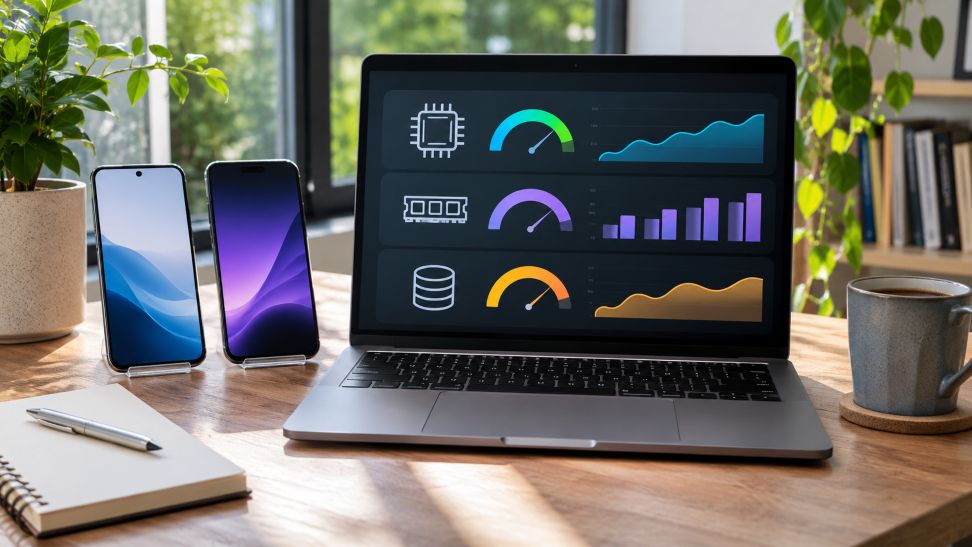
Smartphone applications can become slow even when a device has plenty of RAM. Users may notice delayed loading, frozen screens, or sluggish responses while switching between apps. These problems often lead people to assume they need more memory. However, RAM is only one part of a phone’s overall performance.
Choosing a suitable device requires looking beyond memory specifications. Processor capabilities, storage technology, operating-system support, and software design all influence how applications behave. Comparing these features can help users find the right phone for their everyday activities without focusing entirely on advertised RAM capacity.
Why More RAM Does Not Always Mean Faster Applications
RAM temporarily stores information that applications need while running. It helps phones switch between tasks without repeatedly loading everything from storage. However, additional RAM offers limited benefits when an application already has enough memory to operate properly.
Technical guidance from Google Android Developers identifies several factors behind poor application performance. These include slow startup processes, inefficient background tasks, excessive memory consumption, and delays in displaying interface elements.
A phone with substantial RAM can therefore feel slower than another device with less memory but better processing efficiency. Understanding the remaining components helps explain why.
How Processing Power Affects Everyday App Speed
The processor handles instructions that allow applications to function. It influences how quickly a phone opens programs, processes images, and responds to user commands.
Modern smartphone processors contain different processing units. The central processing unit handles general computing tasks, while the graphics processing unit supports visual workloads.
For example, messaging and browsing usually require less processing power than advanced games or video editing. Applications performing demanding calculations benefit from processors designed to handle those workloads efficiently.
However, processor speed alone does not guarantee consistent performance. Heat management and power settings can affect sustained processing capability. Users should therefore consider real-world testing rather than relying entirely on processor specifications.
Storage Speed and Available Space Matter
Internal storage holds installed applications, photographs, downloads, and system files. Its performance affects how quickly a phone retrieves information during application startup and other operations.
Storage capacity and storage speed are different measurements. Two phones may offer identical storage space while using technologies with different reading and writing capabilities.
Available space also matters. Apple Support recommends maintaining at least 1 GB of free storage on iPhones and iPads to help avoid slowdowns. Keeping additional space available can accommodate downloads, application updates, and growing files.
Users can manage storage by removing unnecessary downloads, reviewing large applications, and transferring older media to suitable backup locations.
Operating-System Compatibility Can Limit Performance
Applications depend on operating-system features to function correctly. Older software versions may lack capabilities required by newer application releases.
Android Developers explains that applications can specify minimum Android API requirements. These requirements help determine whether software can operate on particular devices.
Compatibility also involves ongoing updates. A device that currently supports an application may eventually stop receiving the operating-system versions required by future releases.
Before purchasing a phone, users should examine its software support policy and confirm that essential applications remain compatible with the installed operating system.
Why Software Optimization Makes a Difference
Application developers influence performance through how they organize and execute software instructions. Efficient programming can reduce unnecessary processing and improve responsiveness.
Google Android Developers describes Baseline Profiles as a method of improving application execution. This technique allows selected code paths to be compiled ahead of time, reducing delays during startup and common interactions.
Apple Developer documentation also emphasizes measuring application behavior, identifying problems, and testing improvements. These practices demonstrate why two applications with similar functions can perform differently on the same hardware.
Consequently, buying a more powerful device cannot always resolve problems caused by poorly optimized applications.
A Step-by-Step Guide to Matching a Phone to Your Apps
Step 1: List Your Essential Applications
Start by identifying the applications you use most frequently. Separate basic tasks, such as communication and browsing, from demanding activities like gaming, video editing, or advanced photography.
Consider whether you regularly switch between applications. This helps establish whether multitasking capacity or processing power deserves greater attention.
Step 2: Check Application Requirements
Visit official application listings and developer websites. Review supported operating-system versions, required storage, and any stated hardware requirements.
Pay particular attention to applications needed for work, banking, communication, or education. Compatibility may be more important than impressive specifications when these services are essential.
Step 3: Compare Hardware Specifications
Examine several phones within your budget. Compare their processors, RAM, storage capacity, and storage technologies.
For ordinary activities, prioritize balanced hardware and reliable software support. For demanding applications, investigate graphics performance, sustained processing capability, and available storage.
Remember that higher specifications do not automatically produce better results across every application.
Step 4: Read Practical Performance Reviews
Look for independent reviews that test application loading, multitasking, gaming stability, and everyday responsiveness. Resources offering practical app recommendations can also help users evaluate software options, avoid unnecessary downloads, and identify applications that match their needs. This makes it easier to assess whether a smartphone can handle essential tasks without wasting storage space.
Reviews from GSMArena and Notebookcheck can provide useful device comparisons. Examine testing methods and consider several reviews before drawing conclusions.
Long-term feedback may also reveal performance issues that brief demonstrations overlook, including overheating, software instability, and changes following updates.
Step 5: Evaluate Long-Term Suitability
Consider how your application requirements might change over the next several years. Future software updates, larger files, and additional applications can increase hardware demands.
Choose a device with reasonable storage capacity, dependable operating-system support, and performance suited to your expected usage.
Getting Better Performance From an Existing Phone
Replacing a smartphone is not always necessary when applications slow down. Basic maintenance can sometimes improve responsiveness.
- Install available operating-system and application updates.
- Remove unused applications and unnecessary downloads.
- Restart applications that become unresponsive.
- Check network conditions when online services load slowly.
- Review battery-saving settings that may restrict performance.
Apple Support notes that weak network conditions and power-saving settings can sometimes make applications appear slower. Identifying the underlying problem can prevent unnecessary hardware purchases.
Conclusion
Smooth application performance depends on how effectively hardware and software work together. RAM supports multitasking, but processing power, storage performance, compatibility, and application optimization also shape everyday responsiveness.
Understanding these factors makes smartphone comparisons more practical. Instead of choosing devices through memory figures alone, users can focus on the applications they need, reliable performance, and continued software support. This approach supports better purchasing decisions as mobile applications become increasingly demanding.

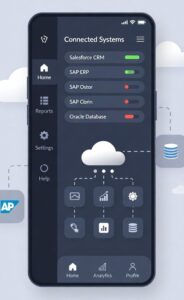 Enterprise systems now power a large share of the world’s digital services, quietly supporting everything from retail apps to global logistics platforms. As user expectations rise, app developers are under pressure to deliver experiences that feel simple on the surface while managing complex data and operations behind the scenes.

 Your online reputation can make or break your presence. Whether you’re a business owner, freelancer, or professional, the way you appear on the internet influences how people see you. Thanks to mobile apps and online platforms, managing your reputation has become easier, faster, and more effective. These tools give you control over your public image and help you build trust in a digital space where opinions spread fast.